

5 Tips to Take Better Close-Up Photographs

by Elle Daquioag on March 7, 2012

Macro photography is a great feature most—if not all—point-and-shoot cameras come equipped with. In its most general terms, the macro setting tells your camera that the subject you want to photograph will be closer than normal, allowing it to focus on the finer details of the subject.

The macro setting (usually denoted with a flower icon) allows you to get up close and personal with the subject of your photo.

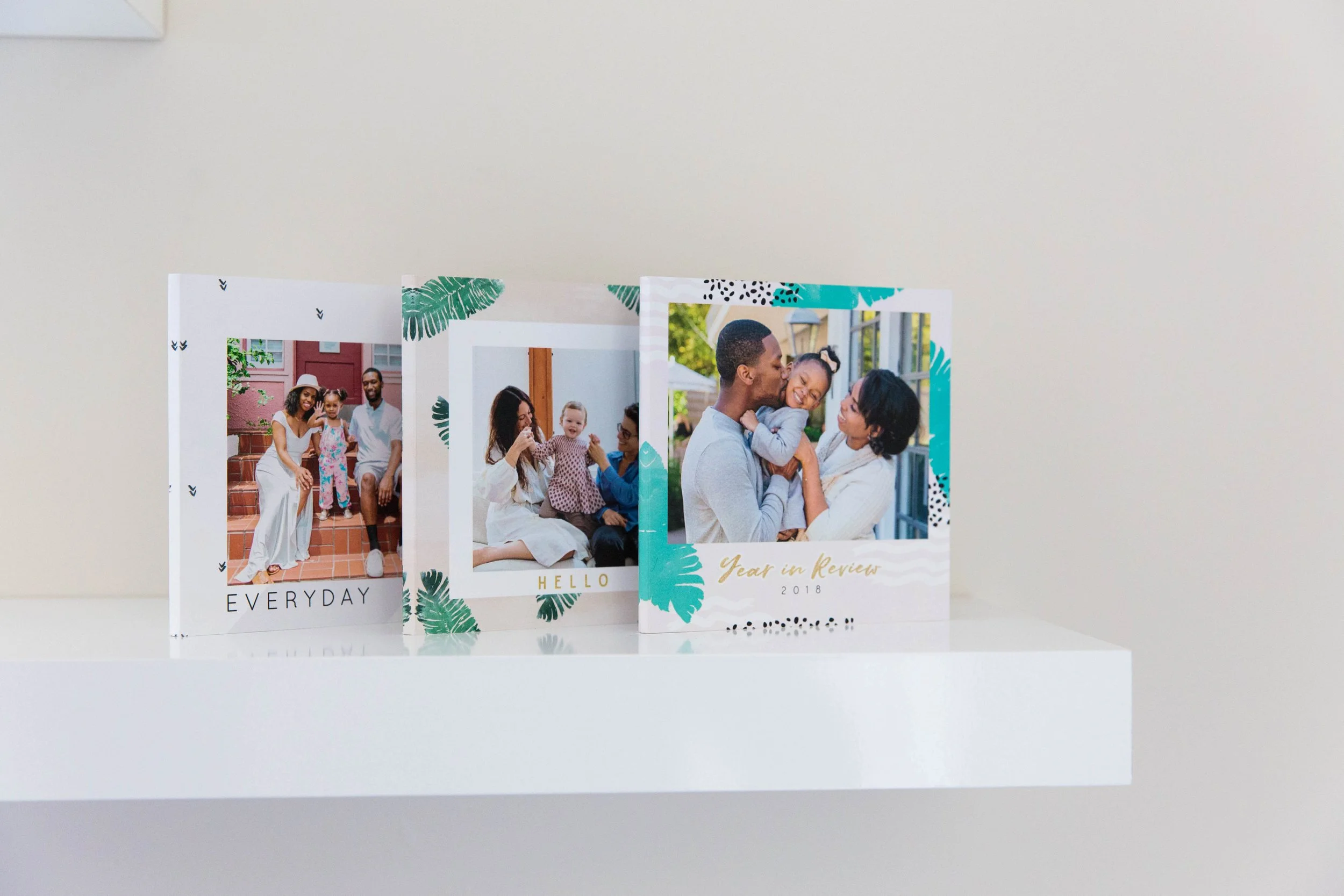
While these can make for great individual prints that can be displayed in your home, macro photography can also be utilized to accent photos you have already placed within your photo book!

Here are five great tips to help you take better close-up photographs!

Tip #1: Keep Your Camera Stable
If possible, use a tripod to prevent the camera from shaking when taking your photo. If a tripod is not available, use a table or set the camera on something steady that can act as a makeshift tripod and can stabilize your camera as it takes the shot. For even more stability, utilize your camera’s timer mode. By waiting ten seconds after hitting the shutter button, you ensure that the shakiness caused by the button press will have disappeared.

Tip #2: Keep Your Subject Stable
While having a steady camera is important, it is just as important to have a steady subject. While this isn’t always the case, the more steps you take to steady the subject, the better the outcome of your photo. If you are photographing a rounded party favor, wait until it has settled on the table and make sure the table is not disturbed when taking your photo. Alternatively, place the favor on a textured surface, which can also prevent movement. If you are taking photos outside on a windy day, take steps to protect the subject from the wind. Move the subject so that a wall blocks the wind, or create makeshift wind deflectors with wooden posts and cloth.

Tip #3: Find Natural Lighting
If possible, try to use even, natural light when using your macro setting. This will create natural, beautiful photos. If you are able to photograph in the late afternoon, when the sun isn’t directly hitting your subject, you’ll be able to take beautifully lit photos. Overcast days also provide great, even lighting.  If a flash is needed, take steps to diffuse the flash your point-and-shoot uses. Try placing some tissue paper over your flash, so you get a more subtle glow instead of a harsh light.

Tip #4: Focus
Focus is key and will make your photo crisp and clear. Make sure your camera is focused on the correct object or part or the object for your photo. If your camera allows for it, use a manual focus setting. Manual focus gives you more control over what the camera will focus on.

Tip #5: Practice, Practice, Practice
Everything in life takes practice. Once a week, grab your camera and work on some macro shots of things you find around the house. Practice on fruit, flowers, jewelry, or knickknacks. As you learn what works best, your photos will also improve. By the time the next big event comes along, you’ll know exactly how to position objects to create that perfect photo for your Mixbook!

Now that you’ve got your tips, here are some great ideas for how to show off your close-up photos in a Mixbook!

Macro Photography Ideas for Your Next Photo Book

When creating a wedding photo book, take some close-up shots of the wedding favors, cake, and place settings.

Shabby Chic Wedding photo book ideaThis layout is pulled from our Shabby Chic theme.

If working on your baby’s first year, don’t forget to include great shots of their first toy, cute little shoes, and even cuter little feet!

Baby’s First Year photo book ideaThis layout was created using Baby’s First Year.

When traveling, make sure to capture close-ups of your favorite dish, beautiful flowers, and shells in the sand.

Travel the World photo book ideaThe Travel the World theme was used in this two page spread.

If you are creating your family’s annual cookbook, why not take a few shots of the ingredients, the cooking steps, and the final product?

Family Recipes photo book idea

All of these ideas can be easily photographed with your camera’s macro setting. So, now it’s your turn to share.  What new photo books are you going to create with your newfound knowledge?

{ 8 comments… read them below or add one }

Larry Lombard March 7, 2012 at 8:35 am

Macro Photography Tips & Ideas from Mixbook! Thanks — great job! Also enjoy and appreciate your daily MixBlog.
Larry L.

Suzanne Suor March 7, 2012 at 9:06 am

Thanks for the tips. I’ll have to check out your blog and I need to learn more about Mixbooks. Did one book and really liked the graphics and the way you handle text. I just need more time to try a few more projects and figure out if I can “resell” Mixbooks. Similar to what I did using RocketLife, before Mixbooks was on the market. Nice job!

Elle Daquioag March 7, 2012 at 9:37 am

Hi Suzanne,
We’re so happy to hear that you are enjoying our site! A list of all our tutorials can be found here. We do also have an affiliates program, if you are interested. :) More information on that program can be found here. If you have any further questions, feel free to e-mail us at support@mixbook.com!

Suzanne McIntyre March 7, 2012 at 5:13 pm

Thank you for your macro photo tips – they’re sure to be used!

Janet March 8, 2012 at 2:17 am

Thanks! Hope to see more tips. I love Mixbook:-)

Fatima Carvalho March 8, 2012 at 6:16 am

Very helpful tips, can´t wait to plan my next book.
Thank you!

Mindy March 8, 2012 at 3:08 pm

great tips. Im going to work on this

Margaret March 8, 2012 at 5:06 pm

These are great tips. Also, if there is a good macro shot I like to cut out the object in my software program by erasing the background, saving it as a PNG and uploading it into my mixbook as a sticker or photo (without a border). Thank you mixbook for making this possible!

Leave a Comment

{ 8 trackbacks }

Previous post:

Next post: